
-
you are in Personal Banking

General
UOB ExploreGeneralFor Individual
Privilege BankingFor Business
WHOLESALE BANKINGAbout UOB
UOB GroupUOB Vietnam

I’m having trouble registering for the UOB TMRW app. What should I do?
|
Scan ID Card
Scan your face
Note: If it still doesn’t work, close the app and try again |
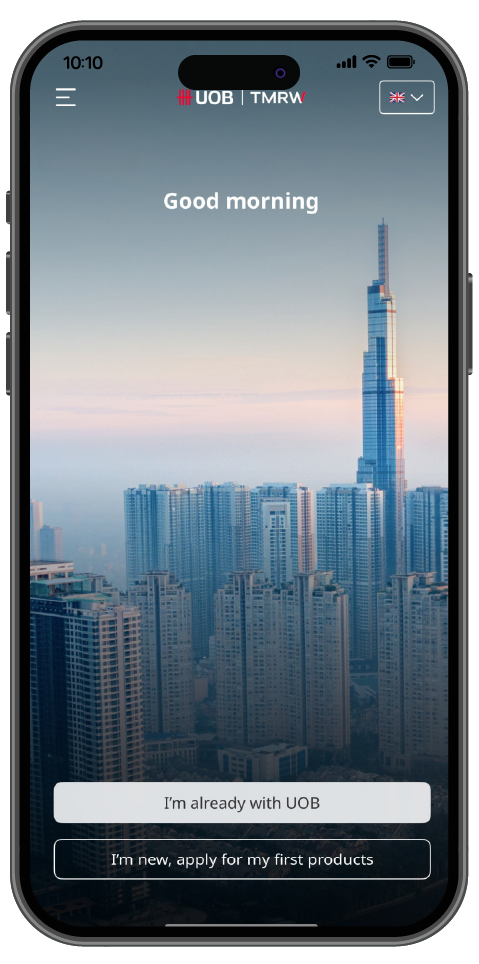
Tap on “I’m already with UOB”. Enter SMS OTP that the bank sent to your registeredmobile phone number.
Tap on “I’m already with UOB”. Enter SMS OTP that the bank sent to your registered mobile phone number.
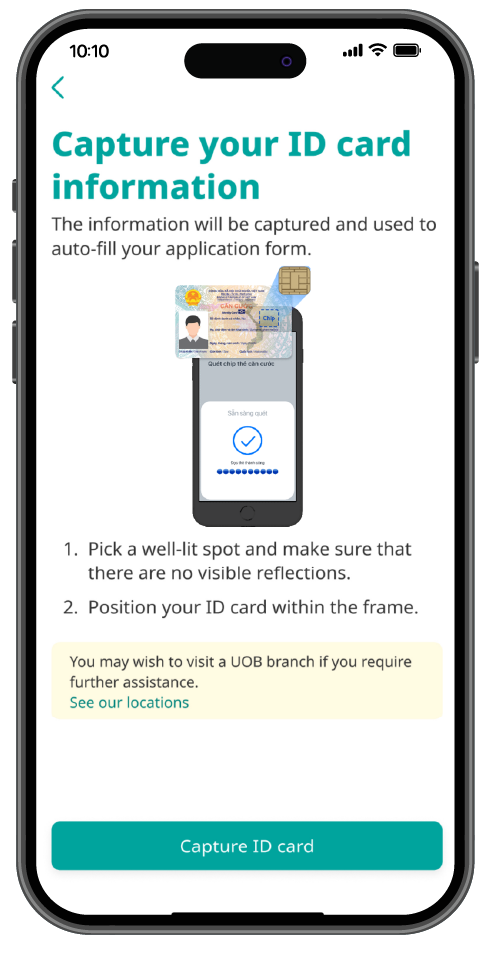
Get your ID Card ready and hold it still within the frame and take a photo. Scan ID Card
Get your ID Card ready and hold it still within the frame and take a photo. Scan ID Card
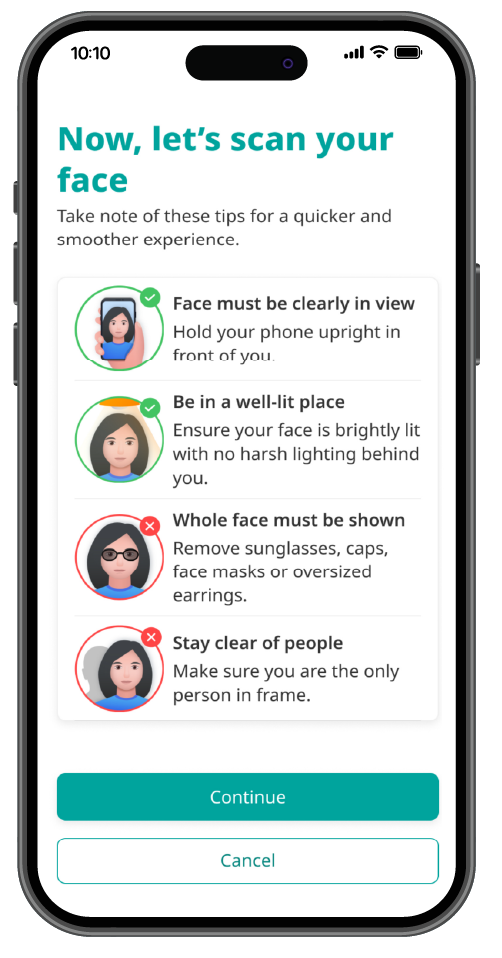
Scan your face
Scan your face
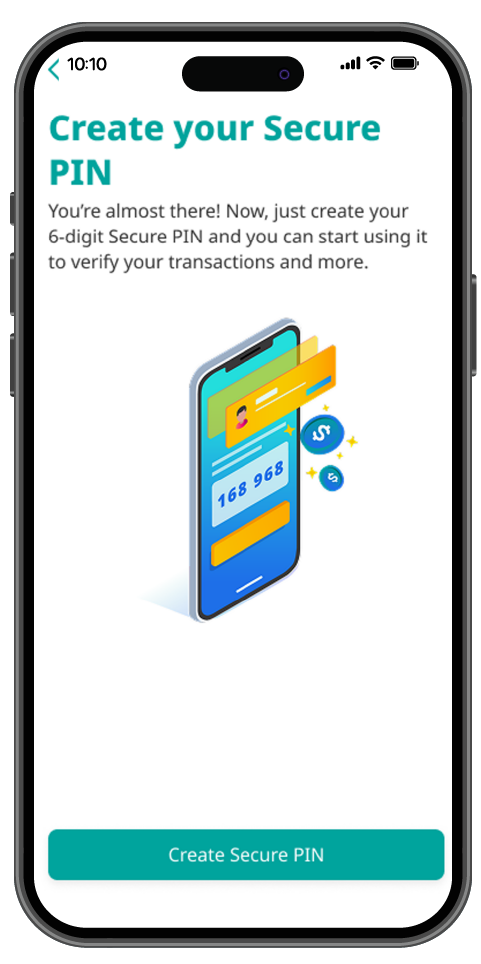
Check and confirm information retrieved from ID Card. Create a 6-digit Secure PIN
Check and confirm information retrieved from ID Card. Create a 6-digit Secure PIN
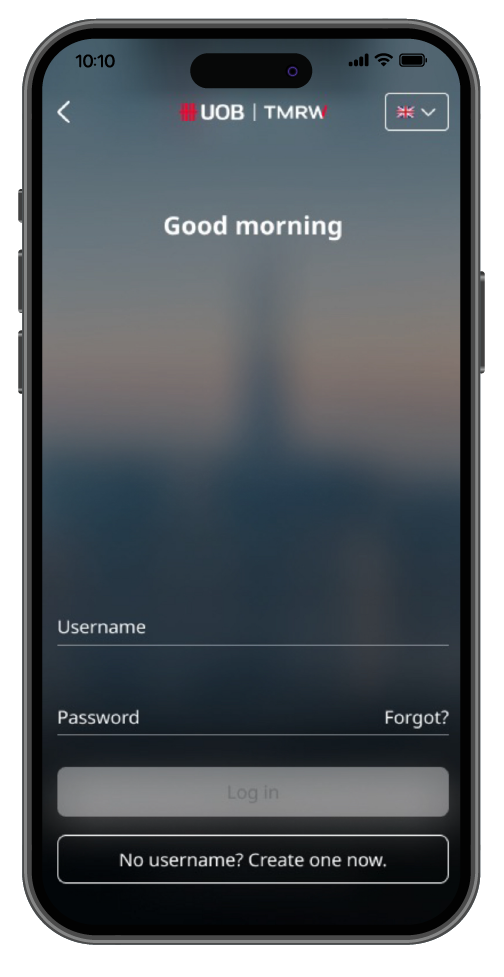
Re-log in to UOB TMRW Vietnam. You’re done!
Re-log in to UOB TMRW Vietnam. You’re done!

As a reminder, we will never direct you to a website asking for your personal banking details, including OTP or PIN.
We use cookies in order to provide you with better services on our website. By continuing to browse the site, you agree to our privacy notice and cookie policy.